Advanced Threat Protection
Premium defense against security risks.
Stop malware, phishing, and invasive tracking on any device.
Get Started
What is Threat Protection?
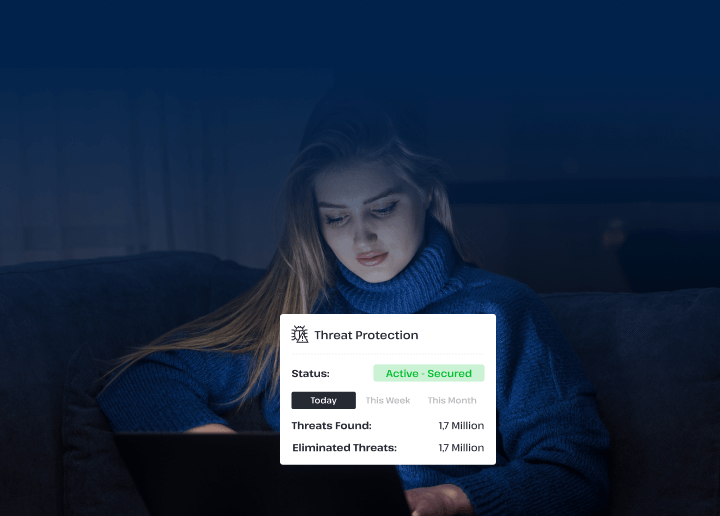
We’ve introduced a new and innovative way for you to keep your information secure and stop dangerous risks from impacting the security of your devices. Our premium VPN offers threat protection tools to help you eliminate potential risks before they can cause serious damage.
This tool allows you to protect yourself from:
Ransomware
Threat actors can use special software to prevent you from accessing your device, forcing you to pay before you can regain control of your information. Threat protection helps you avoid dangerous sites that might host similar software that will put you at risk.

Phishing Attacks
Phishing occurs when an attacker attempts to coerce you into surrendering your personal information, like login credentials to your banking site. Our threat protection settings help identify and block instances of phishing so you can remain secure.
Crypto Scams
As cryptocurrency becomes more popular, so do the cryptocurrency scams. There are a variety of crypto sites that place trackers on your device and turn it into a coin-mining machine without your permission. Our threat protection settings help navigate you away from these pages.

Malware
An abbreviation for ‘malicious software,’ malware lives within pop-ups and dangerous websites, waiting for you to click on it by accident. This software can be used to steal your personal information and, in turn, your identity. UsenetServer’s threat protection tools stop you from seeing these sites, securing your safety and privacy.
Why Threat Protection Matters
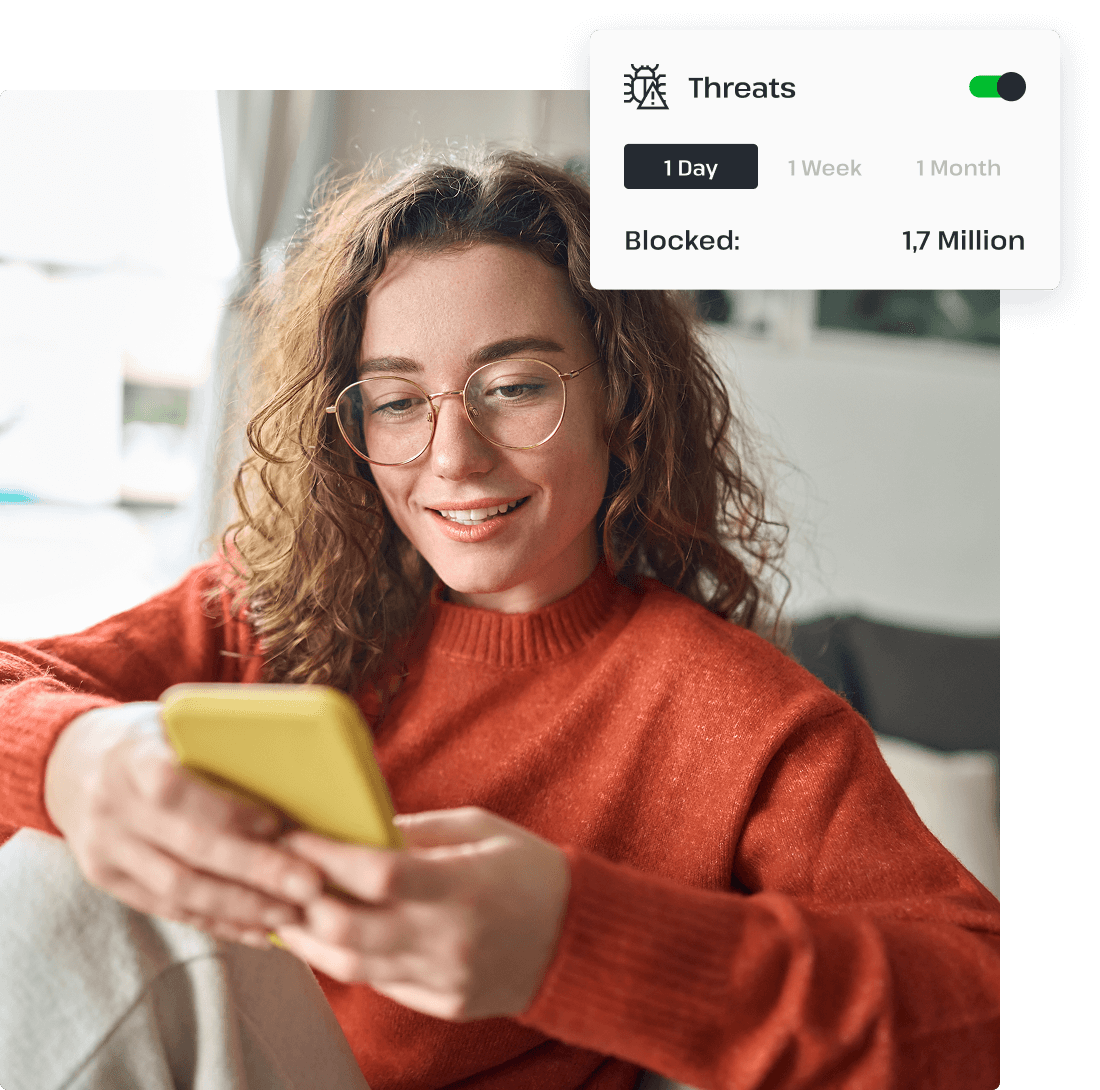
Online threats are becoming increasingly more advanced. The entities behind them often target organizations, businesses, individuals, and even governments all over the world. As threat actors develop new methods of obtaining private data and using it to their advantage, basic security measures are no longer enough to keep you safe.
Using threat protection settings on all your devices is essential to your continued security. With advanced threat protection tools that stop risky software from impacting your device, you can feel confident about the safety of your personal information.
UsenetServer’s Unbeatable Threat Protection
Keeping yourself safe online can be a challenge. With cybercriminals and ad tracking lurking around every corner of the Internet, it can feel almost impossible to ensure your online security.
Luckily, UsenetServer makes it easy to safeguard your private data with one click. Introducing: Threat Protection.
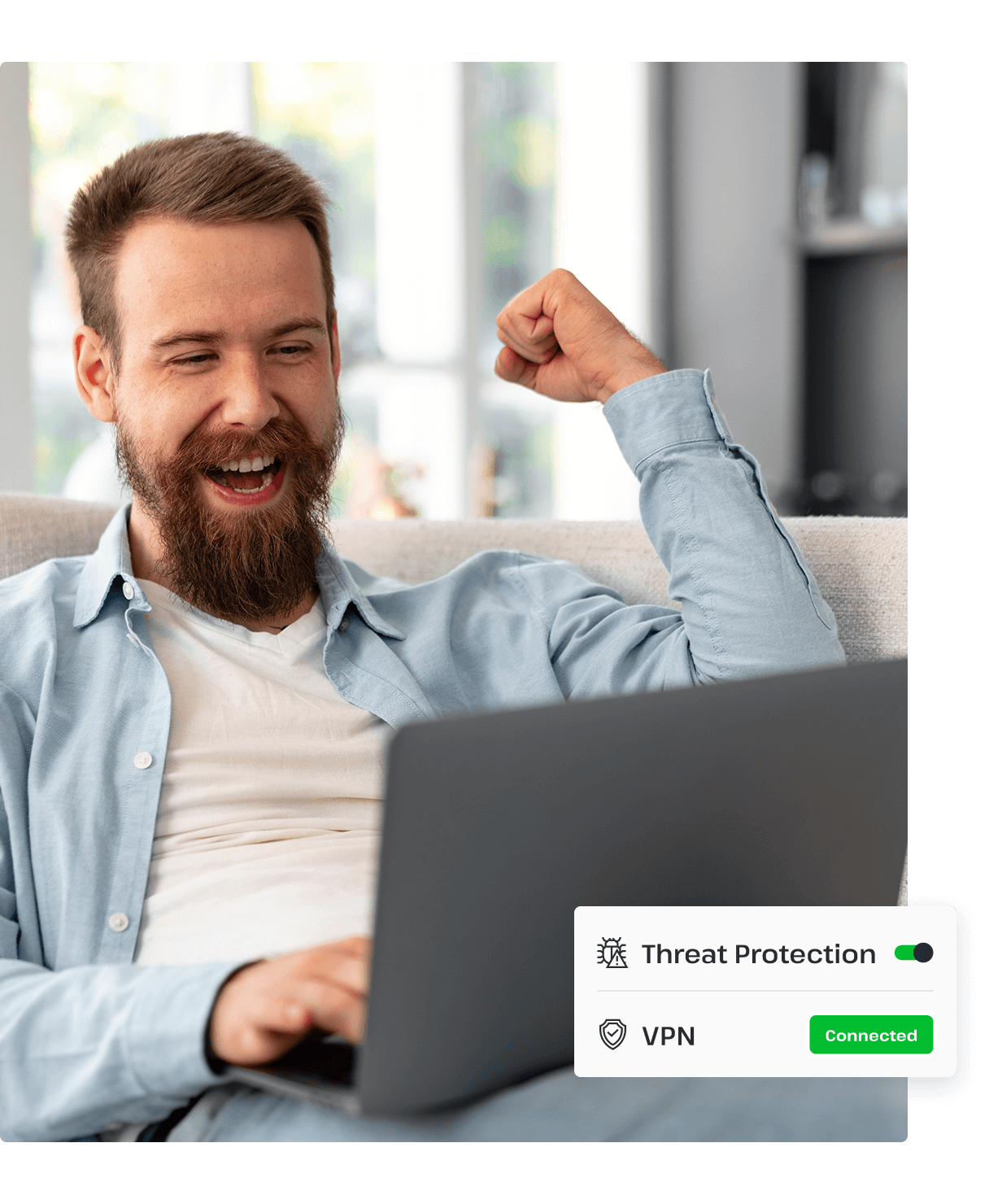
Our premium security tool helps you keep yourself safe, no matter where you are on the Internet. Using real-time monitoring, our threat protection settings maintain constant surveillance of your system to target these threats as soon as they manifest. Enjoy protection from phishing scams, ransomware, and malware on any device with our reliable security settings, built from the ground up to keep your data from being compromised.
Trusted by Experts
UsenetServer is proud to offer top-of-the-line protection for our users around the world. With advanced security from risks like malware and phishing attacks, our powerful VPN delivers unbeatable safety from possible threats. Our built-in threat protection is loved by users and trusted by cybersecurity experts, including:





How to Use Threat Protection
Getting started with UsenetServer’s powerful Threat Protection settings is easy!
Simply select your device and enhance your security in just a few clicks.
Available On:


1
Download our top-rated VPN app.
2
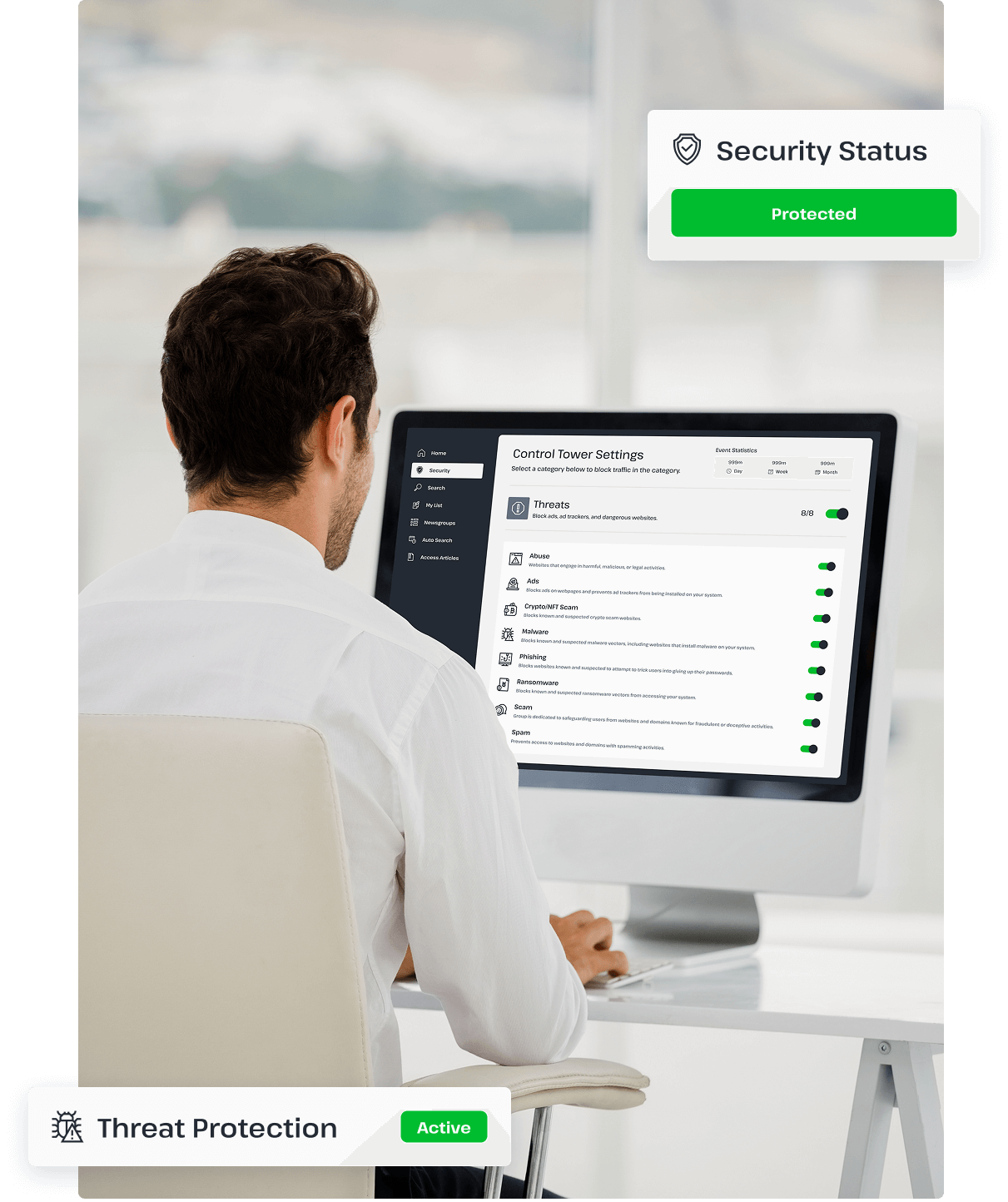
Open the Control Tower option from the panel on the left.
3
Turn on the Threat Protection settings to your preference.
30-Day Money-Back Guarantee
If you're not completely satisfied with UsenetServer after 30 days, you can cancel your subscription and receive a full refund at any time thanks to our money-back guarantee.


24/7 Support: We're Here When You Need Us
Check Out Our Tutorial Archive
Explore our guides and navigate Usenet like a pro. We also provide a variety of articles on how to get the best online protection.
You’ve Got Questions, We’ve Got Answers
Our support team is available 24/7 to answer your questions and ensure a smooth experience with our service. Contact us today.